
AI Photo Upscaler
Enlarge any picture up to 4K with an AI photo upscaler that rebuilds fine texture, wipes out blocky artifacts and keeps faces true to life.
Feedback
All Tools
Browse AI tools
MiniMax H3
MiniMax H3 AI Video Generator
Seedance 2.5
The Future of AI Video Is Here.

Seedance 2.0
The Future of AI Video Is Here.

Veo3.1
Create Stunning Videos with Veo3.1
FLUX 3 Video Generator

Kling 3.0
Next-Gen AI Video Generator
Grok Video Generator
Create Videos from Text or Images with AI
MiniMax H3 video generator
MiniMax H3 AI Video Generator
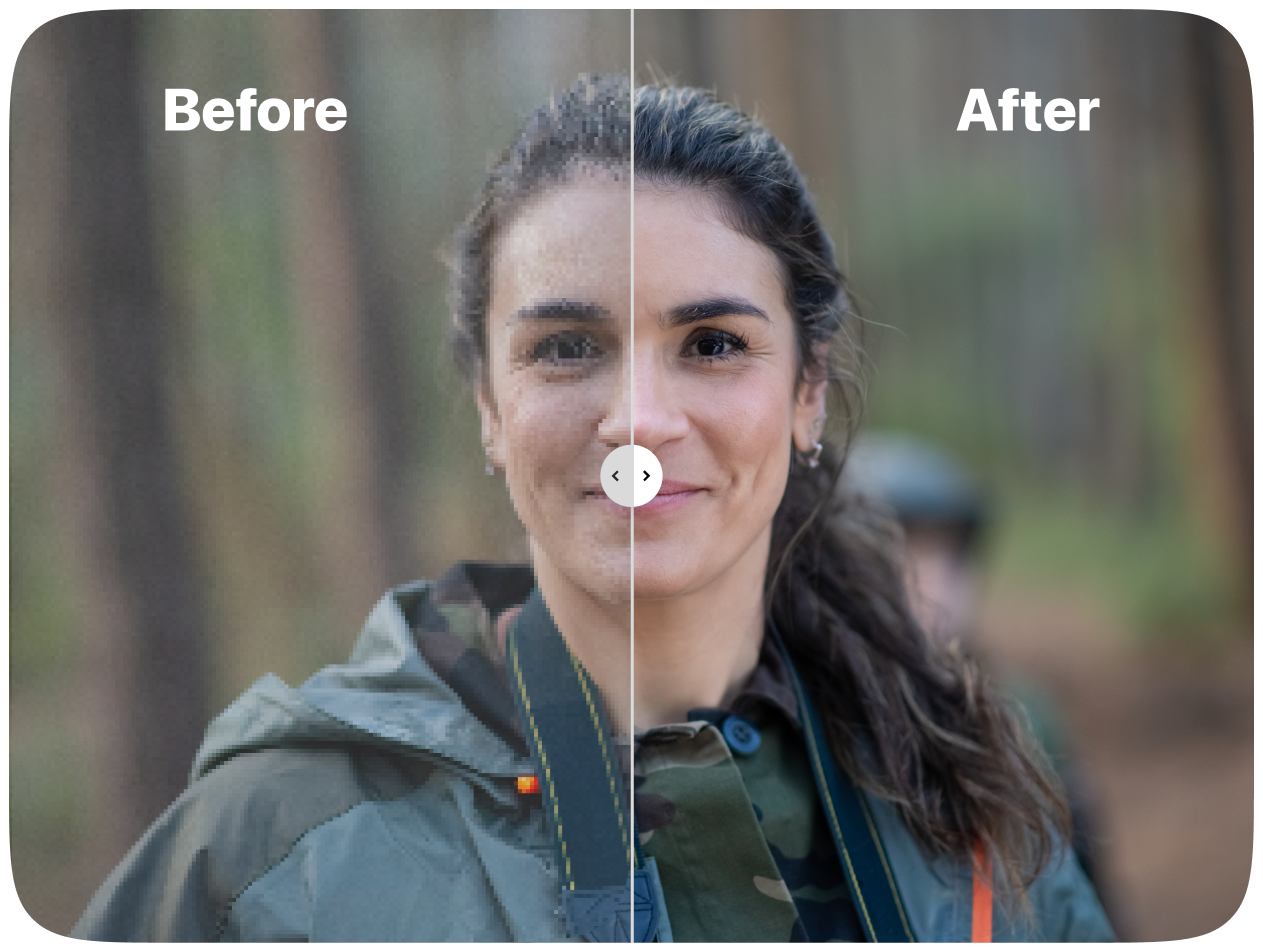
AI Photo Upscaler: A Closer Look
Our AI photo upscaler is an enhancement engine that grows small or compressed files into larger, cleaner images while protecting edges, faces and product detail. It clears artifacts and brings back fine structure for screens and print.
- Texture That Stays IntactBrings back micro-contrast and grain instead of blurring it away, so enlarged shots keep a lifelike feel.
- Sharper Faces and LetteringTightens eyes, hair and tiny type without leaving halos, ringing or smudged edges behind.
- Intelligent Noise CleanupWipes out blocky compression and grain while edges, logos and brand marks stay razor sharp.
Why Choose AI Photo Upscaler
Higher clarity, natural textures, fast batch processing, reliable face recovery and brand protection.
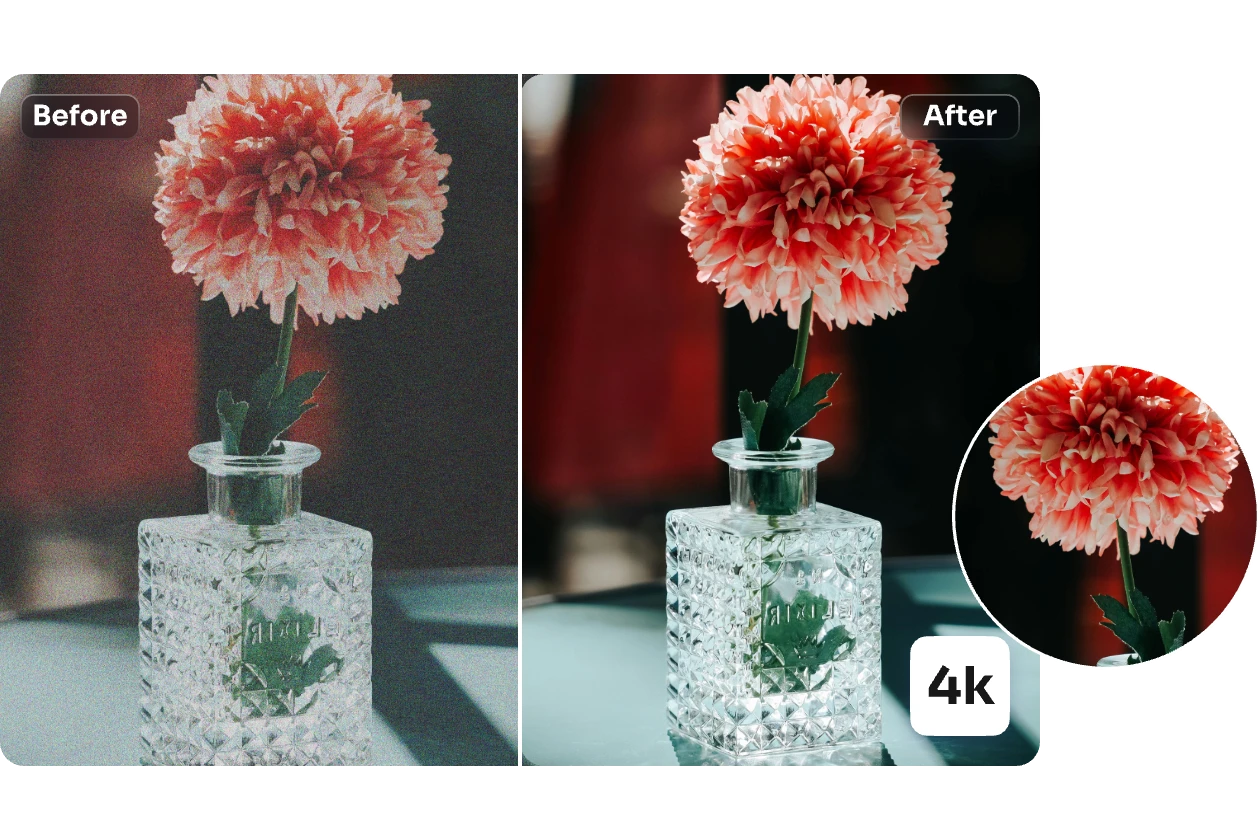
Upscale Any Photo in Four Quick Steps
Follow four short steps to enlarge and refine a picture with our AI photo upscaler, ready for screens or print.
Inside the AI Photo Upscaler: Powerful Features
Studio-grade enlargement that holds on to texture, tone and brand marks while pushing noise and compression damage out of the frame.
Faithful High-Fidelity Enlargement
Rebuilds fine detail and edge definition so bigger files stay sharp on displays and on paper alike.
Texture Restoration
Brings back skin, fabric and surface grain without the waxy, plastic look.
Natural Face Refinement
Softly lifts eyes, hair and facial features while keeping the person clearly recognisable.
Compression Cleanup
Erases JPEG blocks, ringing and sensor noise so nothing distracts from the subject.
Balanced Color and Tone
Holds natural contrast and vibrancy steady instead of pushing saturation too far.
Quick Batch Queue
Work through whole folders at once — handy for catalogues, listings and storefronts.
Questions About the AI Photo Upscaler, Answered
Quick answers on how the tool works, what it can fix, how long it takes and how to get the best enlargement results.
What exactly does an AI photo upscaler do?
It grows a small or damaged image into a bigger one while adding back clarity — sharper edges, richer texture, less noise and fewer compression artifacts.
Why should I pick this upscaler over others?
It aims for a natural finish: the model balances enhancement with real-world texture, so pictures look believable rather than over-sharpened or artificial.
Which images benefit the most?
Portraits, logos, interface screenshots, fabric and product labels, plus compressed photos and scanned artwork all see a clear lift.
How long is the wait?
Most runs wrap up inside a minute, though the time depends on the file size and whether you choose 2x or 4x.
Will faces and brand marks stay the same?
Yes. The model refines features and typography while leaving identity, logo edges and brand colours untouched.
Can I use the results commercially?
You can, as long as your plan is active and you hold the rights to the original image.
Start Upscaling — Put the AI Photo Upscaler to Work
Sharper edges, cleaner grain and print-ready files in seconds — no software to install.