
Photo To Sketch
Transform any picture into a hand-drawn masterpiece with our free Photo to Sketch AI. Choose pencil, charcoal, ink or watercolor — instant, crisp results.
Feedback

freeTrialImage.bannerPity
freeTrialImage.upgradeUnlock
- ✓freeTrialImage.benefitHd
- ✓freeTrialImage.benefitWatermark
- ✓freeTrialImage.benefitUnlimited
AI Tools
Explore AI tools
MiniMax H3
MiniMax H3 AI Video Generator
Seedance 2.5
The Future of AI Video Is Here.

Seedance 2.0
The Future of AI Video Is Here.

Veo3.1
Create Stunning Videos with Veo3.1
FLUX 3 Video Generator

Kling 3.0
Next-Gen AI Video Generator
Grok Video Generator
Create Videos from Text or Images with AI
MiniMax H3 video generator
MiniMax H3 AI Video Generator
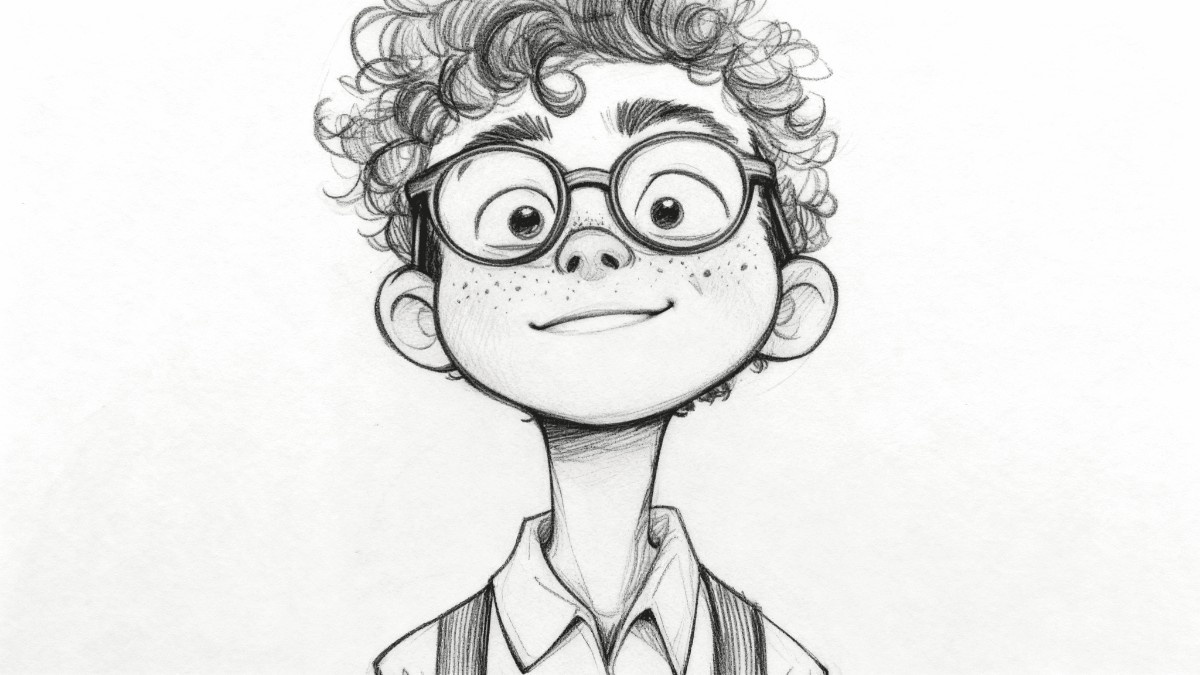
What Is a Photo to Sketch Converter?
Upload a portrait, product shot or landscape and watch our Photo to Sketch engine redraw it in pencil, charcoal, ink or watercolor — ready for prints, gifts and social posts.
- Style VarietySwitch between pencil, charcoal, ink and watercolor.
- Seconds, Not HoursMost conversions are finished in under a minute.
- Print-Ready OutputCrisp linework at resolutions built for printing.
How to Turn Any Photo Into a Sketch in 3 Steps
Drop in an image, choose the drawing style you like, and let the AI render it — your finished sketch is ready to download or share right away.
Key Features of Our Photo to Sketch Engine
From four distinct drawing styles to batch runs and detail-preserving exports, everything here is built for real print and web workflows.
Pencil
Graphite-style strokes with soft, natural shading.
Charcoal
Deep, smudged tones for dramatic contrast.
Ink
Clean black linework with sharp edges.
Watercolor
Blended pigment washes in a painterly finish.
Batch Mode
Queue dozens of images in one single run.
Fine Detail
Facial features and textures stay intact.
Photo to Sketch Questions, Answered
Quick answers on sketch styles, turnaround time, batch limits, image quality, pricing and privacy.
What does this Photo to Sketch tool do?
It redraws an ordinary photograph as a hand-drawn style image — pencil, charcoal, ink or watercolor — directly in your browser.
Which sketch styles can I pick?
You can choose pencil, charcoal, ink, watercolor and several blended presets.
Can I convert more than one image at a time?
Yes. Batch mode lets you queue multiple photos and export them together.
Will the output be sharp enough to print?
Yes — exports keep fine lines and shading at resolutions suitable for printing or web.
Do I have to pay or create an account?
Standard conversions cost nothing and work without signing up; premium models unlock higher resolution.
How long does one conversion take?
Most sketches appear within seconds, though larger batches can take a little longer.
Turn Your Photo Into Art Right Now
Upload a picture, test every sketch style, and save a high-resolution result — no cost, no watermark, no waiting.