
AI Virtual Try On
Upload one photo and instantly see yourself in a new outfit. This AI Virtual Try On tool preserves your face, pose and body shape for a believable preview.
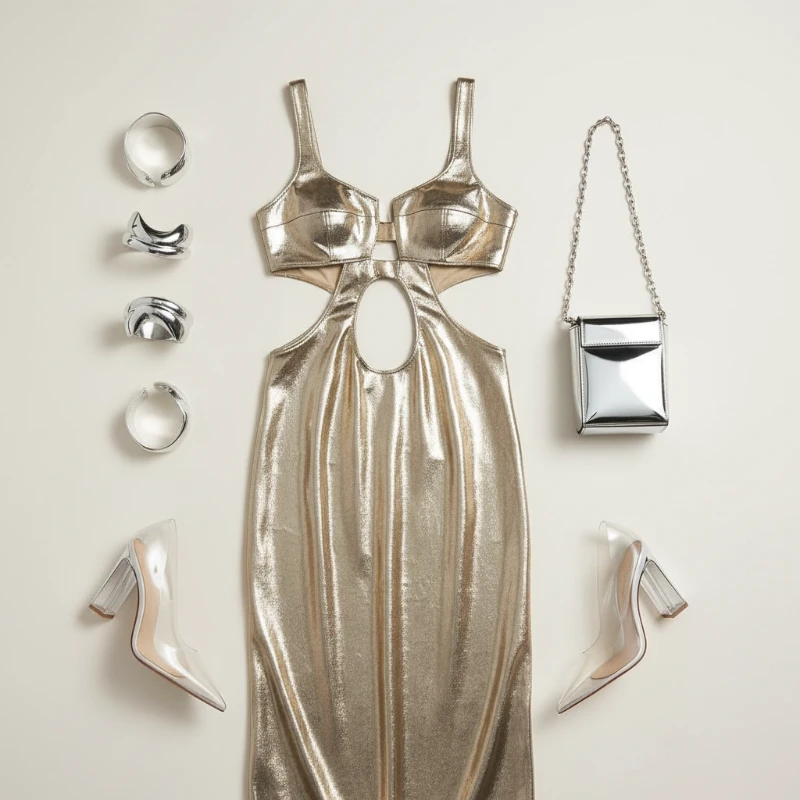
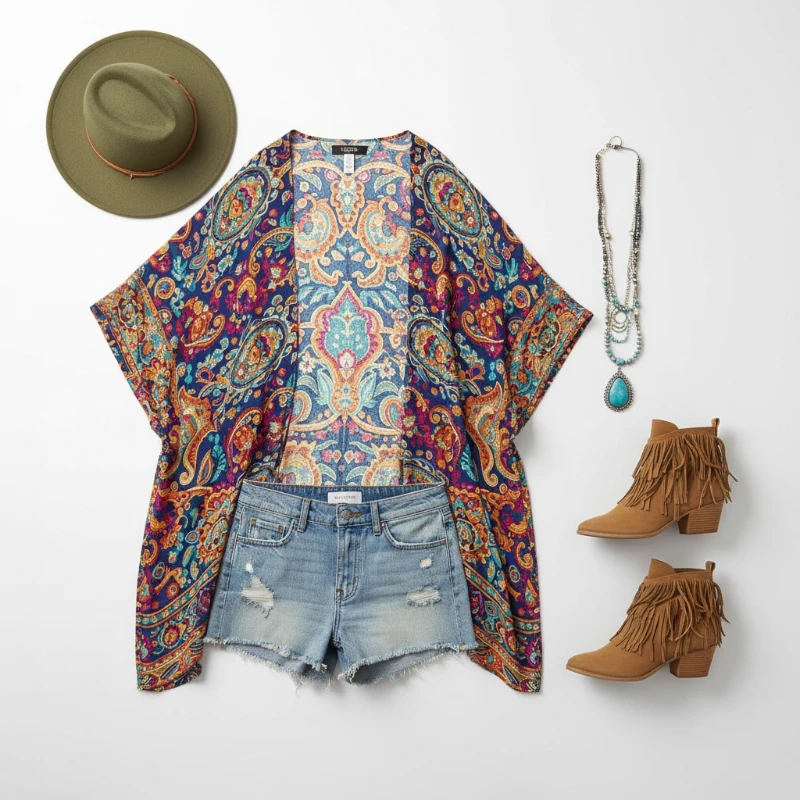
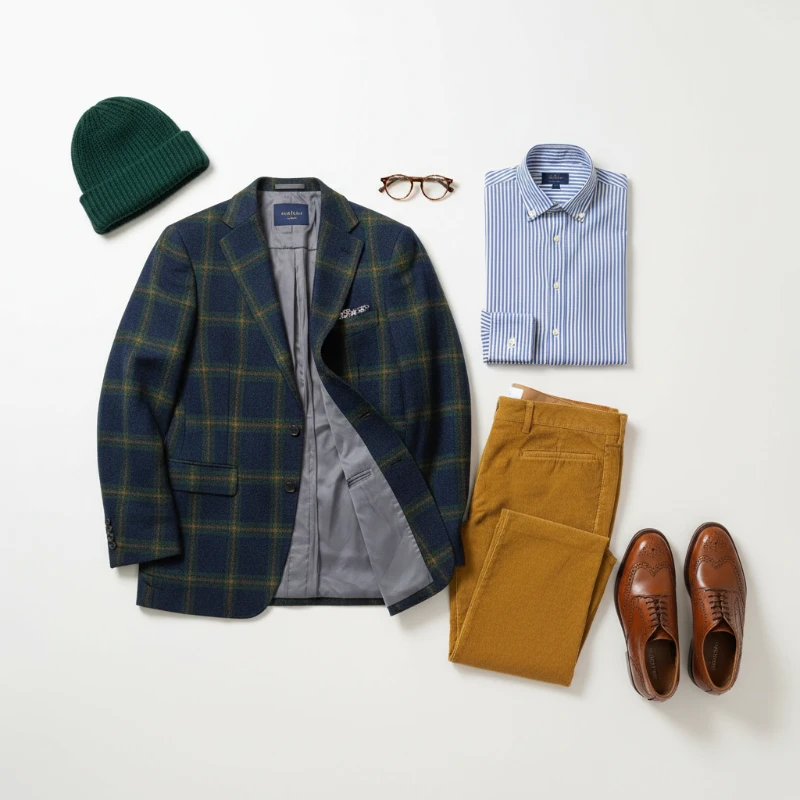
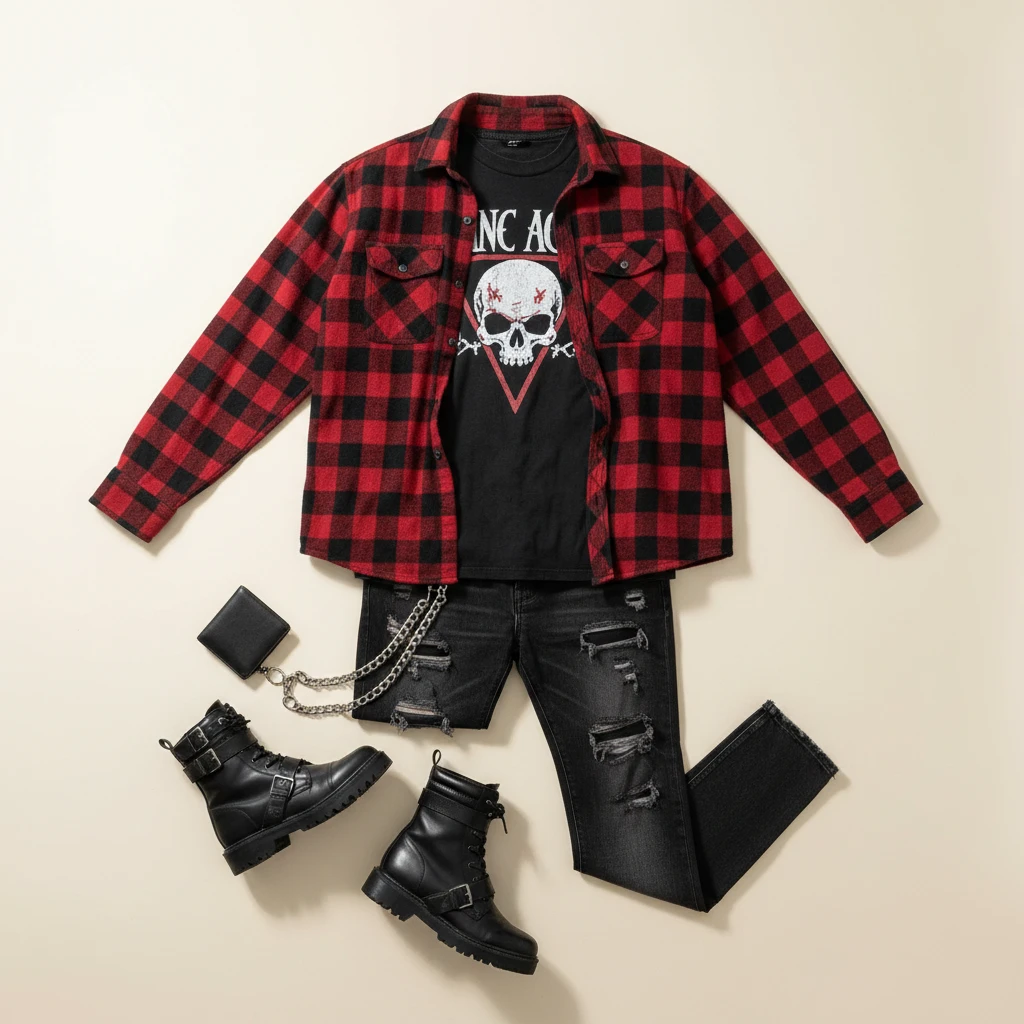
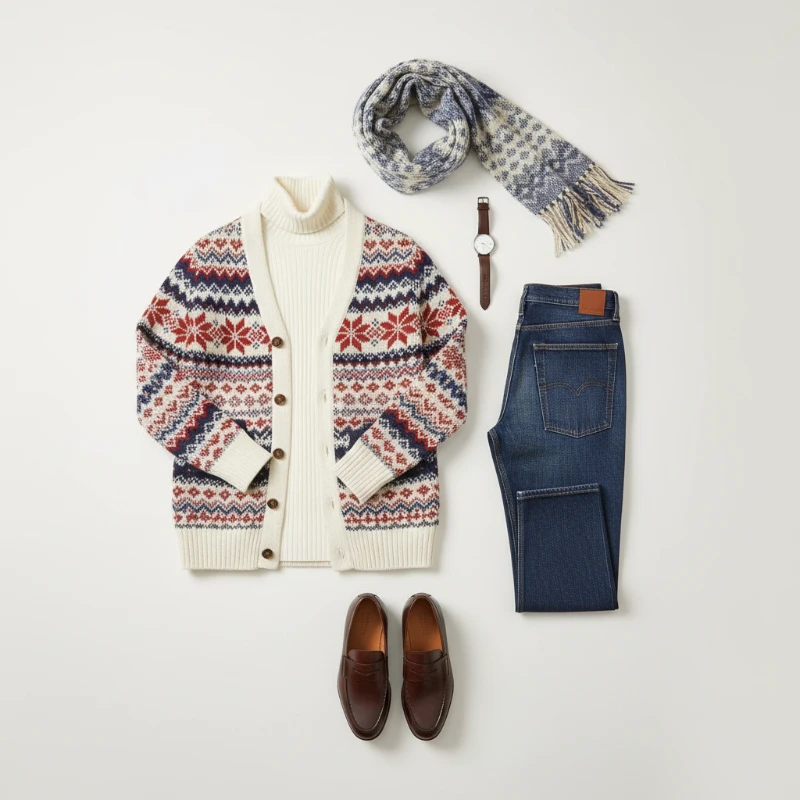
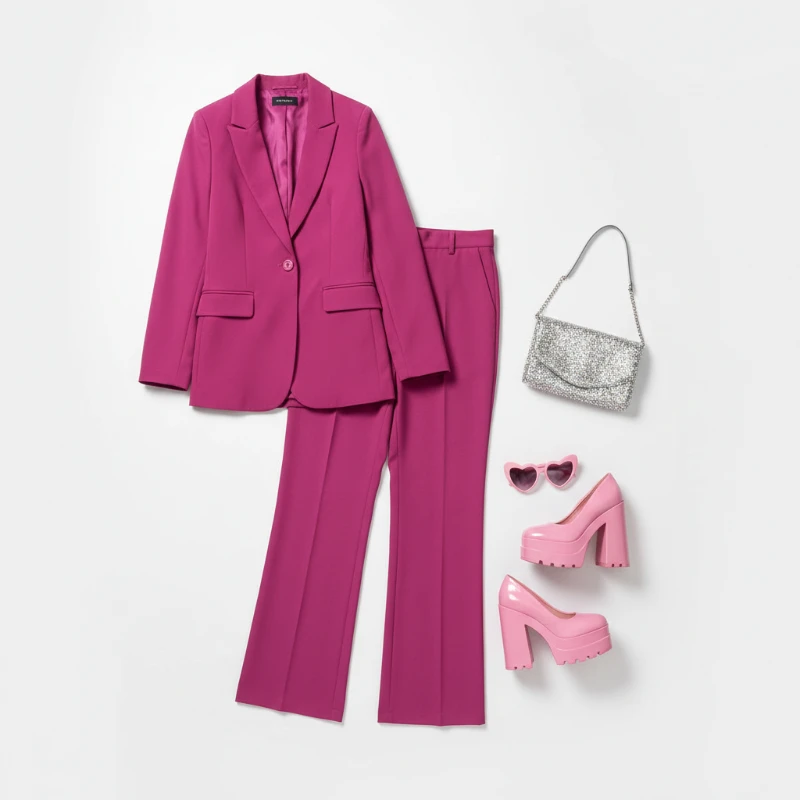
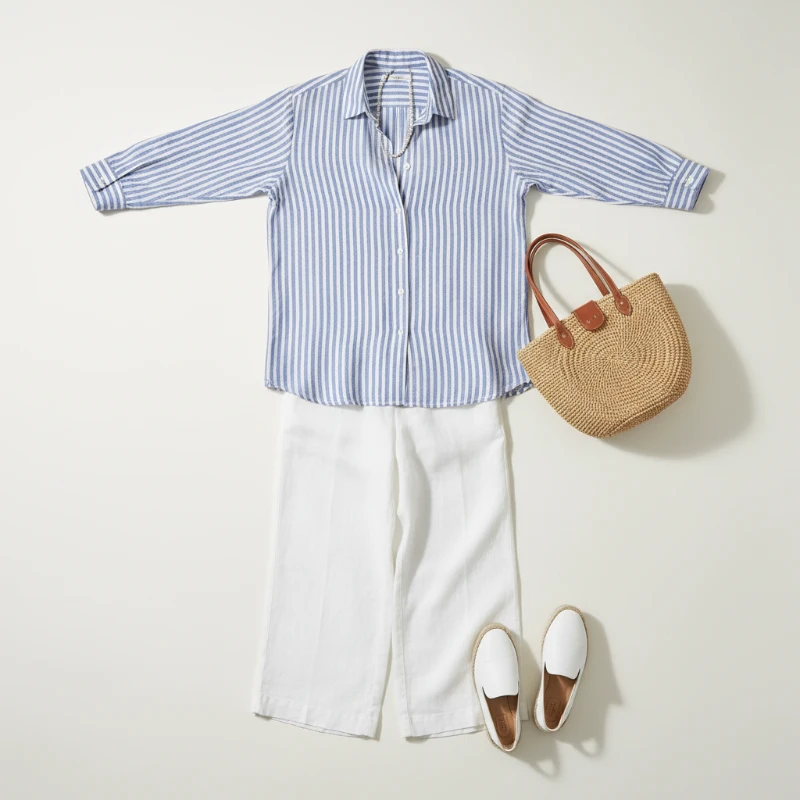
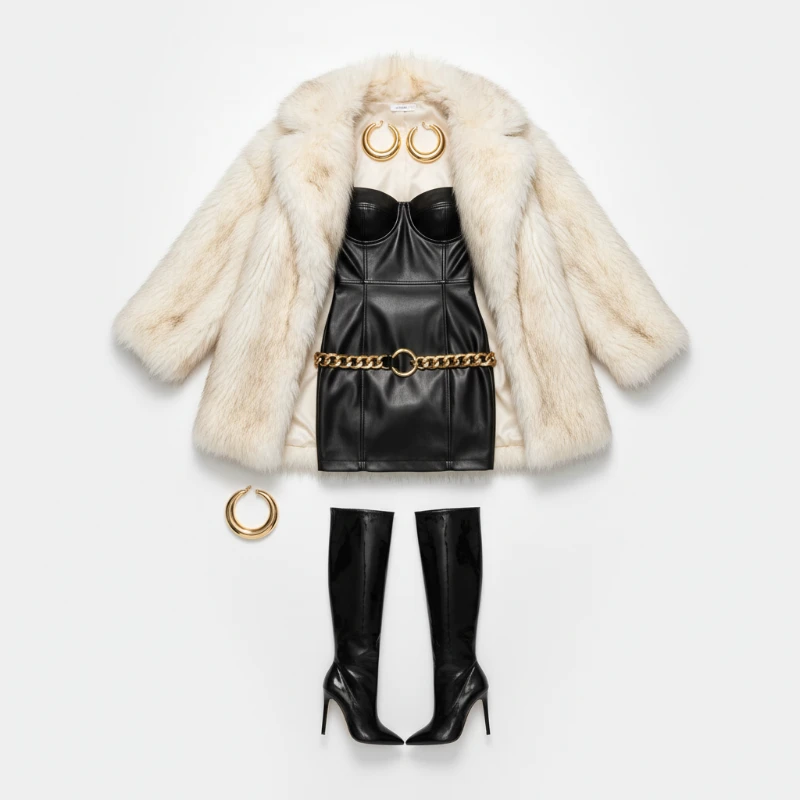
Feedback
AI Creative Tools
Explore AI creative tools

Free AI Image
Truly Free AI Image Generator

AI Image Editor
AI Photo Editor Online

Image Upscaler
Enhance image resolution effortlessly

AI Color Changer
Transform photo colors in seconds

AI Room Designer
Design your dream room with AI-powered 3D rendering

Skin Enhancer
Enhance skin texture naturally with AI
Face Editor
Enhance face texture naturally with AI

AI Clothes Changer
Everything You Need for Realistic Outfit Previews
Pick a look, tap once, and watch your photo transform — fabric drape, size and lighting stay true to life inside this AI Virtual Try On engine.
- Lifelike Clothing ReplacementGarments are swapped in a single pass while your facial features, stance and body proportions stay exactly as they are.
- Previews in SecondsPolished results land in your browser within moments, ready to compare, download or post.
- True-to-Life DetailTexture, folds and shadows are rendered naturally, so every preview looks like a real photograph.
Why Choose AI Virtual Try On
Accurate fit previews, quick processing, and easy sharing for e‑commerce and social use.
Three Steps to Your Virtual Fitting
Start with a photo, choose a preset look or bring your own garment reference, then review the result and export it — the whole flow takes under two minutes.
Capabilities That Set This Fitting Tool Apart
From precise style controls to mobile-friendly speed, every stage of the pipeline is tuned for believable outfit previews.
Convincing Garment Swaps
Clothing is fitted to your body without altering your face, posture or silhouette.
Fine-Grained Styling
Tune color, cut and looseness until the preview matches the exact look you have in mind.
Seamless Compositing
Lighting, shadows and fabric texture stay consistent, so nothing ever looks pasted on.
Rapid Rendering
Edits come back in seconds, tuned for phone screens and online storefronts alike.
Publication-Ready Files
Export crisp images that hold up on product listings, lookbooks and social feeds.
Simple Three-Step Flow
Upload, preview, save — repeat as often as you like to test different looks.
Questions About AI Virtual Try On
Answers to the things people ask most about virtual outfit previews — accuracy, timing, cost and file exports.
What does AI Virtual Try On actually do?
It reads your photo and a garment or style, then renders a new image of you wearing it — without changing your face or stance.
Which photo should I upload?
Sharp, evenly lit portraits or full-body shots give the cleanest results; blurry or dim images lower accuracy.
How fast is the preview?
Typical renders finish in one to two minutes, though detailed outfits or large files can take a little longer.
Can I save and share my results?
Yes. Every finished preview can be exported at high resolution for social posts, lookbooks or store listings.
Do I have to pay to try it?
You can start with free credits, and paid plans unlock more renders plus faster queue priority.
Why not just use a fitting room?
It removes the guesswork from online shopping and gives creators a fast way to style content without a shoot.
See Yourself in Any Outfit — Start Now
Drop in a photo, choose a look, and let AI Virtual Try On show you a realistic preview in under two minutes.