
Bg Remove
Erase or swap any photo background in seconds — Bg Remove keeps edges, hair and color true, then exports a crisp transparent PNG.
Feedback
All Tools
Browse AI tools
MiniMax H3
MiniMax H3 AI Video Generator
Seedance 2.5
The Future of AI Video Is Here.

Seedance 2.0
The Future of AI Video Is Here.

Veo3.1
Create Stunning Videos with Veo3.1
FLUX 3 Video Generator

Kling 3.0
Next-Gen AI Video Generator
Grok Video Generator
Create Videos from Text or Images with AI
MiniMax H3 video generator
MiniMax H3 AI Video Generator
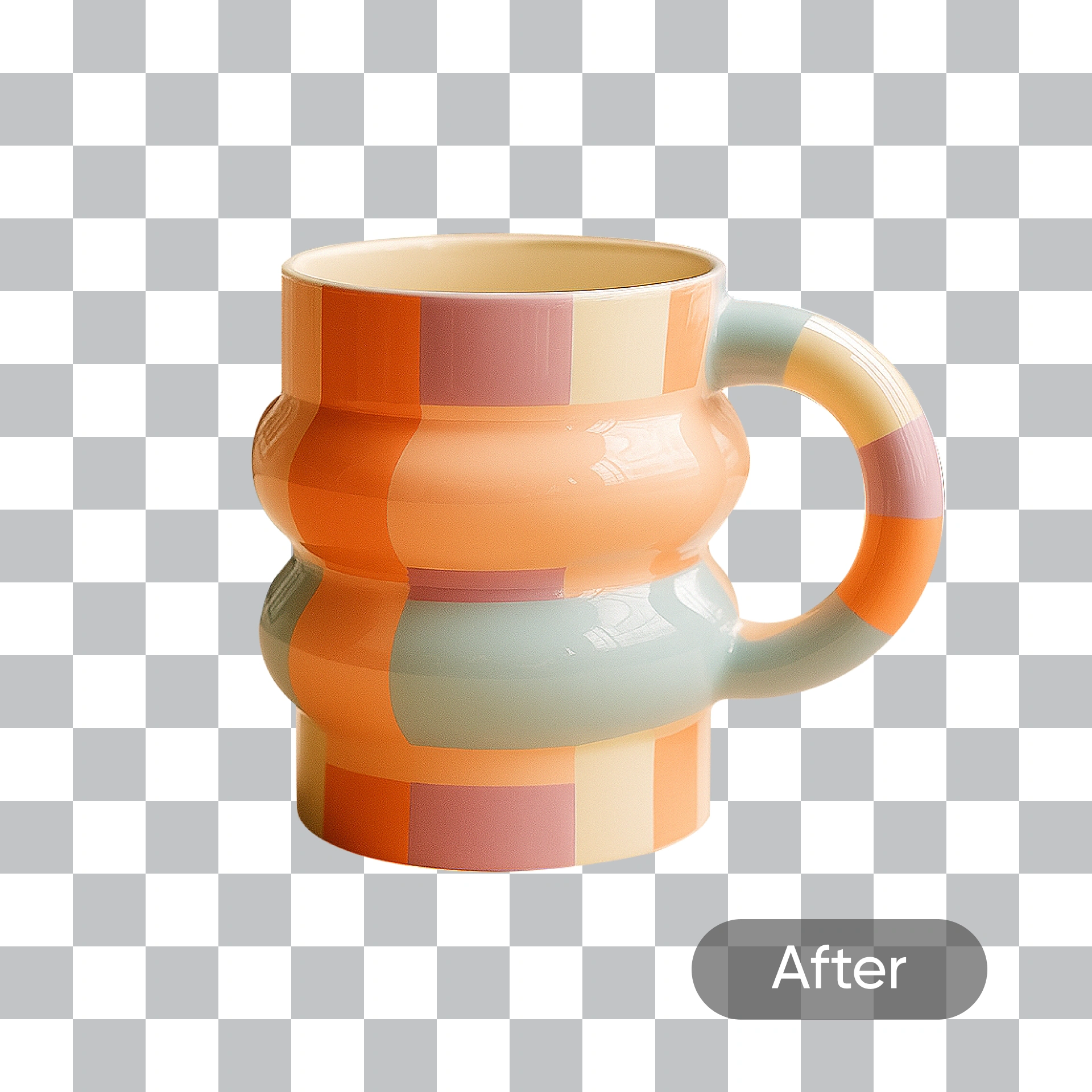
A Closer Look at the Bg Remove Engine
This tool lifts your subject out of any scene while preserving stray hairs, soft shadows and the original lighting, so the finished cutout looks photographed rather than pasted.
- Edge AccuracyEvery contour is traced down to the pixel for tidy, jag-free borders.
- Instant DeclutteringBusy scenes drop away in a single pass, leaving only what you meant to keep.
- Faithful TonesOriginal hues and highlights survive the cut with no washed-out cast.
Why Bg Remove
Fast cutouts, clean edges, and ready-to-use results from Bg Remove.
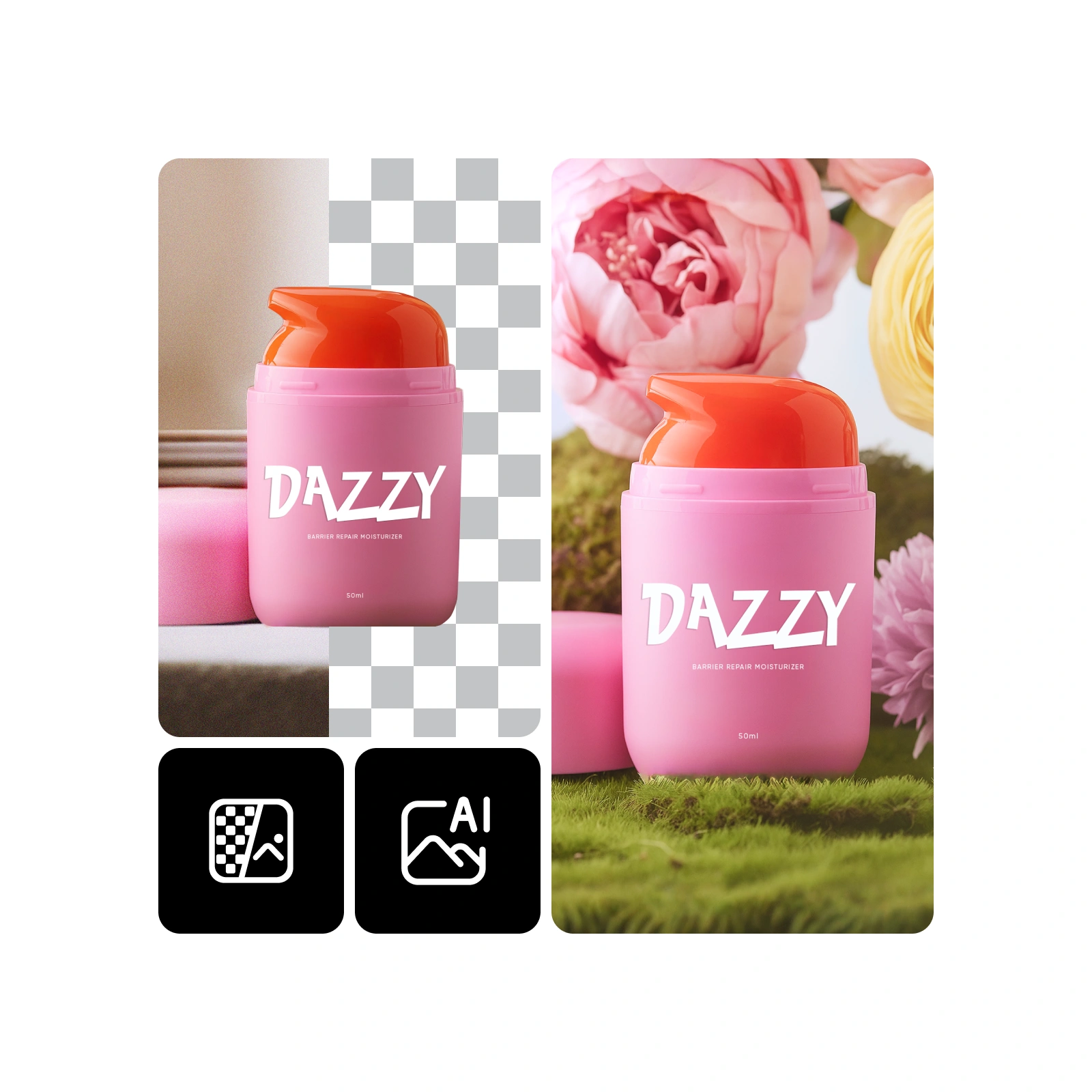
Four Steps to a Flawless Cutout
Bring in a picture, let Bg Remove separate the subject, tweak the backdrop if you like, then save the finished file.
What Makes This Background Remover Different
From wispy hair to glossy product packaging, Bg Remove keeps every cut detailed, colorful and true to the original shot.
Pixel-Level Precision
Contours stay razor sharp even on jewelry, glassware and thin props.
Strand & Fur Detail
Loose curls, flyaways and pet fur survive the cut instead of turning into a soft blur.
Portrait-Safe Processing
Skin tones and facial features are left untouched, so nobody ends up looking retouched by accident.
No Halo Effect
Color spill around the edges is cleaned up, so subjects never glow against a new backdrop.
Color Fidelity
Original saturation, contrast and lighting carry over onto whatever background you choose.
Built for Mobile
The same quick turnaround inside a phone browser, with no app install required.
Questions About Our Background Remover
Straight answers on accuracy, speed, supported files and how Bg Remove cutouts can be used.
What does this tool do?
It lifts the subject out of any photo and either leaves the background fully transparent or drops in a new scene you describe in plain words.
How is it different from other cutout tools?
Edge handling is the difference — thin straps, loose hair and semi-transparent objects keep their shape instead of getting chewed up.
Which images work best?
Product shots, headshots, logos, pet photos and marketing banners all cut cleanly, as long as the subject stands out reasonably well from its surroundings.
How long does a cutout take?
Most images are finished in under a minute; heavier files may wait a little longer in the queue during busy periods.
Will faces and skin tones change?
No. Facial features and complexion stay exactly as they were — only the surroundings get replaced.
Can I use the results commercially?
Yes, subject to the terms of the plan you are subscribed to.
Ready for a Cleaner Cutout?
Drop in a photo and let Bg Remove hand back a transparent, publish-ready image in about a minute.